A Language Learning Platform Where You Learn by Talking to AI
The backend of a language learning platform where users practise written and spoken conversation with AI and track their progress: a layered API on .NET 8, real-time chat with SignalR and an OpenAI integration managed entirely on the server.
- Role
- Backend Developer
- Stack
- .NET 8 · ASP.NET Core Web API · PostgreSQL · EF Core · SignalR · OpenAI API
Knowing the language, but not speaking it
Most language learners share the same story: they've memorised the vocabulary, learned the grammar rules and understand what they read. But when it's time to speak, they freeze. Speaking only improves by speaking, and finding someone to practise with at any given moment isn't easy.
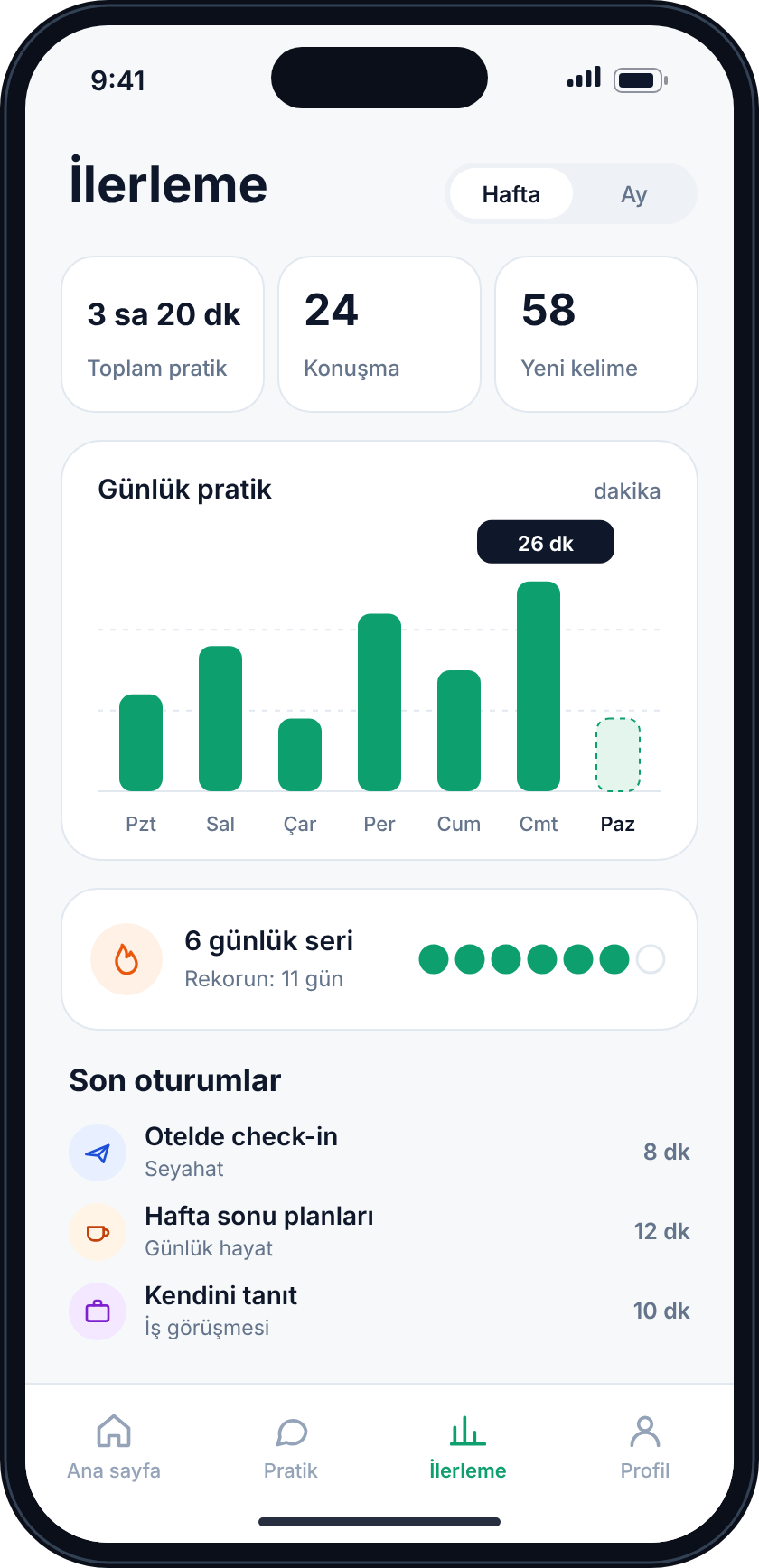
SesliDil was designed to close that gap: a platform where users can talk to AI at any time of day, get an instant reply and see their progress. Our part was building the backend behind that experience: user data, conversation sessions, communication with AI services, and exposing all of it to web and mobile clients through one consistent API.
“Turning speaking practice into an experience that's there whenever you want it.”
Our Approach
In projects with an AI integration, the easiest path is to pile everything into one place: a request comes in, goes straight to the model and the answer comes back. That's enough for a first demo, but by the second or third feature the code starts to fall apart. We chose to separate responsibilities from day one.
On ASP.NET Core Web API we split the controller, service and repository layers. Components such as OpenAI and SignalR live inside this structure, each behind its own service. The development environment runs on Docker, and every endpoint could be tested through Swagger.
Technical Decisions
Layered architecture with clear responsibilities
Controllers only accept the HTTP request and return the response; business rules live in the service layer, and data access lives in repositories built on Entity Framework Core. Adding a new feature came down to extending the relevant service without touching existing endpoints. Because services are independent of the data layer, they were also easier to test and to change later.
The same response format on every endpoint
One of the most tiring things for a client developer is every endpoint answering in a different shape. To prevent that from the start, we wrapped every response in a shared model: whether the operation succeeded, a descriptive message and the returned data. The web and mobile apps worked with a single response handler, and errors could be shown the same way on every screen.
AI services behind the backend
OpenAI services powered the conversational and text-based interactions, but clients never talked to them directly; every call went through services on the backend. As a result the API key never reached the client, model or prompt changes could be made on the server without an app update, and the client only ever knew our own API.
Real-time conversation with SignalR
In speaking practice, latency breaks the experience. Instead of the client constantly asking "is there a new message?", we set up a persistent connection with SignalR: the ChatHub receives a message, passes it to the service layer and pushes the reply to the client the moment it's ready. Connection management and error handling were central concerns of this layer, and because the hub uses the same service layer as the REST controllers, business rules were never written twice.
From the Interface
Results & Impact
The outcome was a backend built to grow, one that keeps the AI integration separate from the rest of the application. Adding a new conversation feature meant extending the service layer without breaking the existing structure, and the web and mobile clients worked with the same response format from start to finish.
The principle we carried forward from this project: put AI at the centre of the product, but keep it at the edge of the architecture, behind its own service. When the model, provider or prompt changes, the rest of the product shouldn't feel it.
Want to add AI to your product?
Adding a chat, voice or LLM-based feature to your existing app, or building a solid backend with .NET: whichever it is, let's talk.
Get a Quote